Spreadsheets are a great starting point for small service businesses, but they can become difficult to manage as your customer base grows. Learn five warning signs that your scheduling, customer records, invoicing, and technician coordination are ready for a better system.
5 Signs Your Service Business Has Outgrown Spreadsheets
When you're starting a small service business, spreadsheets can feel like the perfect solution.
They're familiar, inexpensive, and flexible. You can track customers, create a weekly schedule, record payments, and organize important information without investing in specialized software.
And for a while, that approach may work just fine.
But as your business grows, those same spreadsheets can start creating more work than they save.
What happens when you're managing dozens of recurring appointments, multiple technicians, last-minute schedule changes, and customer requests coming in throughout the day?
Suddenly, the system that once kept you organized may be slowing you down.
The challenge isn't that spreadsheets are bad. It's that running a growing service business involves more than storing information.
Here are five signs it may be time to move beyond spreadsheets and consider field service management software.
1. Scheduling Appointments Takes More Time Than It Should
Scheduling is one of the first areas where spreadsheets begin to show their limitations.
When you're managing a handful of customers, a simple calendar or spreadsheet may be enough to keep track of appointments.
But as your business grows, scheduling becomes more complicated.
You may need to coordinate:
Multiple technicians and their availability
Recurring weekly or monthly appointments
Different service durations
Customer-requested time windows
Travel time between jobs
Last-minute cancellations and rescheduling
Emergency service requests
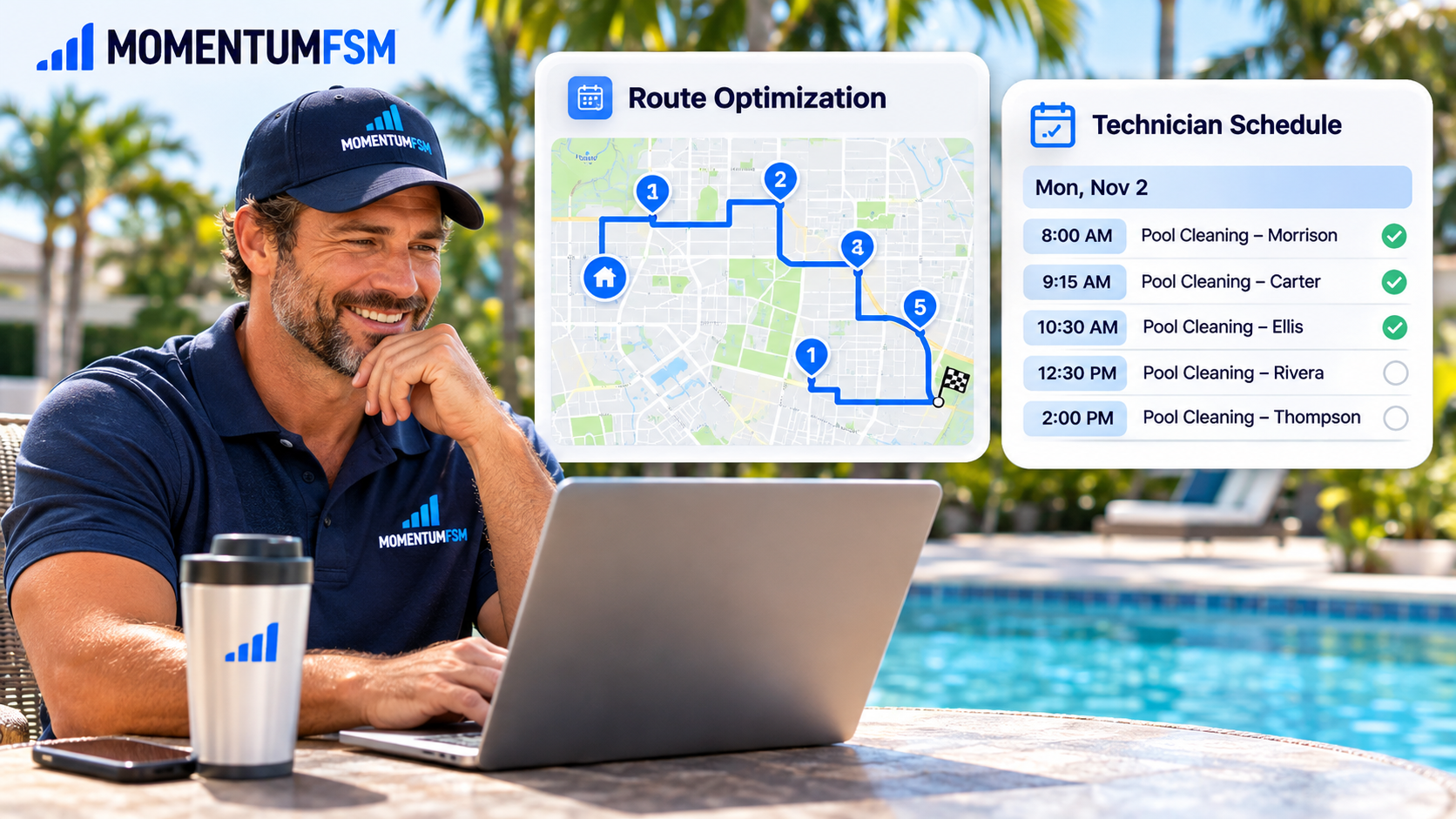
Imagine running a pool cleaning company with 100 recurring customers.
If one technician calls in sick, you may need to move several appointments, reassign customers, and make sure everyone knows about the changes.
With a spreadsheet, that can mean manually updating multiple rows, checking availability, and contacting employees individually.
A scheduling system should make changes easier—not create additional administrative work every time something unexpected happens.
Field service management software connects appointments with technician assignments, customer information, and recurring schedules.
With Momentum FSM, businesses can manage their scheduling and technician assignments in one place rather than relying on separate spreadsheets and calendars.
2. Customer Information Is Scattered Across Too Many Places
Where do you keep your customer information?
If the answer includes spreadsheets, text messages, email inboxes, notebooks, and individual employees' phones, you may have a problem.
Customer information is more than a name, phone number, and address.
For service businesses, important details may include:
Property access instructions and gate codes
Preferred service days
Equipment details
Previous service history
Special customer requests
Estimates and invoices
Recurring service agreements
Notes from previous technicians
When this information is scattered across different systems, employees may not have everything they need to complete a job efficiently.
For example, a lawn care technician might arrive at a property without knowing the customer requested that a particular area be avoided.
Or a cleaning employee may not see instructions that were sent to the office several days earlier.
These small communication gaps can create unnecessary frustration for both employees and customers.
Why a Centralized Customer Record Matters
A customer relationship management system, commonly called a CRM, keeps important customer information organized.
Instead of searching through old messages or spreadsheets, your team can access the details associated with each customer.
Momentum FSM's client management tools help businesses keep customer records, service information, and related details connected.
When customer information is easy to find, your team can spend less time searching and more time delivering great service.
3. Invoicing and Payments Are Becoming Difficult to Track
Getting the work done is only half the job.
You also need to make sure you're billing customers accurately and keeping track of payments.
For businesses using spreadsheets, invoicing often involves several separate steps.
You complete the service, update a spreadsheet, create an invoice in another program, send it to the customer, and then manually record whether payment was received.
That process becomes especially complicated for recurring service businesses.
Consider a landscaping company that bills some customers after each visit and others on a monthly schedule.
Or a pool service business with weekly maintenance contracts, additional equipment repairs, and occasional one-time services.
Without an organized billing process, it's easy for invoices to be delayed or overlooked.
Warning Signs Your Billing Process Needs Attention
You may have outgrown your current system if:
You regularly create invoices days after completing work
You have difficulty identifying unpaid invoices
You manually enter the same information into multiple systems
You spend too much time calculating recurring charges
You aren't always sure which services have been billed
Field service management software can help connect completed work with estimates, invoices, and customer records.
Momentum FSM brings invoicing and recurring service management into the same platform as scheduling and job management.
That means businesses can spend less time coordinating disconnected billing records and more time focusing on customers.
4. Your Technicians Constantly Need to Call the Office
If your phone rings throughout the day with questions from employees, your business may have an information problem.
Technicians often need answers to questions such as:
"What's the gate code for my next appointment?"
"Did this customer request anything special?"
"Where am I supposed to go after this job?"
"Has my afternoon schedule changed?"
"Did we service this equipment last month?"
These are all reasonable questions.
But if the information already exists somewhere in your business, employees shouldn't have to repeatedly call the office to find it.
Give Technicians the Information They Need
A technician mobile app can help field employees access relevant information while they're working.
Depending on the business, this may include:
Daily appointment schedules
Customer addresses and contact information
Job details and service instructions
Previous service notes
Digital checklists
Updated assignments
Momentum FSM's technician app connects field employees with their assigned work and important customer details.
This helps reduce unnecessary back-and-forth communication and makes it easier for employees to stay organized throughout the day.
The more independently your technicians can complete their work, the more time you have to focus on running and growing your business.
5. Growing Your Business Creates More Office Work Instead of Less
Growth should be exciting.
More customers, more appointments, and more revenue are signs that your hard work is paying off.
But growth also brings complexity.
If adding 20 new customers means spending several additional hours every week updating spreadsheets, coordinating schedules, and tracking invoices, your current system may not be scaling with your business.
You may notice that you're:
Spending evenings catching up on paperwork
Repeatedly entering the same customer information
Struggling to coordinate multiple employees
Missing opportunities to follow up with customers
Finding it difficult to see what's happening across your business
Hesitating to accept additional work because scheduling is already overwhelming
These are signs that administrative tasks may be consuming too much of your time.
Build Systems That Support Growth
A growing service business needs processes that remain manageable as the number of customers and employees increases.
That doesn't mean every small business needs complicated software.
It means choosing tools that help reduce repetitive work and keep important information connected.
For example, having scheduling, customer management, estimates, invoicing, and technician information in one platform can reduce the need to constantly switch between applications.
Rather than building more spreadsheets every time your business expands, you can create a more consistent process for managing daily operations.
What Should You Look for in Field Service Management Software?
If you've recognized several of these warning signs, it may be time to explore software designed specifically for service businesses.
Before choosing a platform, consider the tasks that currently take up the most time.
Look for features that support your actual day-to-day operations.
Scheduling and Dispatching
Organize appointments, assign technicians, and make changes when plans shift.
Customer Management
Keep customer contact information, service history, property details, and important notes together.
Estimates and Invoicing
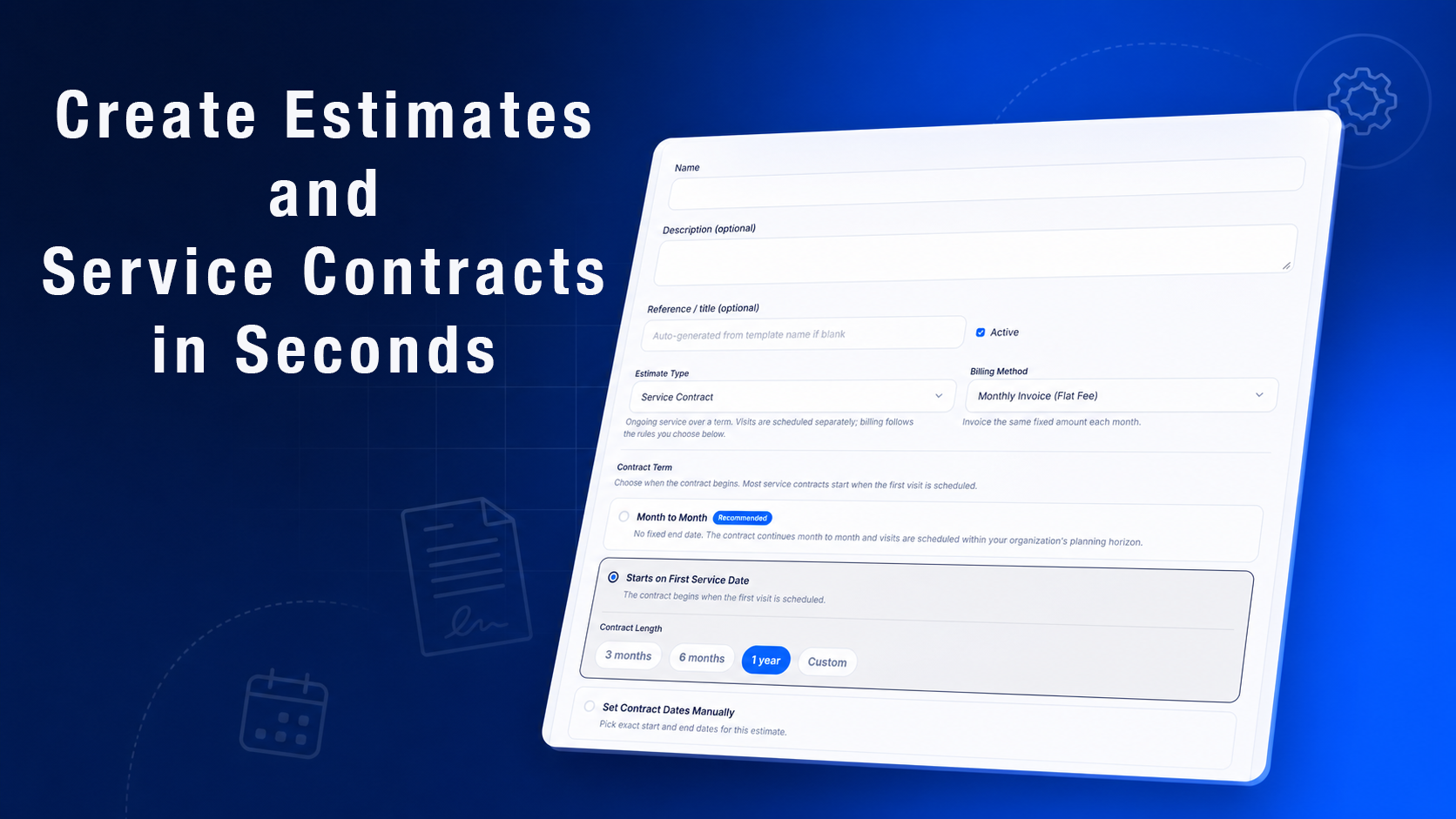
Create estimates, manage invoices, and keep billing information connected to customers and services.
Recurring Service Management
Organize repeat appointments and ongoing service agreements without rebuilding schedules manually.
Technician Mobile Access
Give employees the information they need to complete their assigned work in the field.
Routing
Plan technician routes and reduce unnecessary travel between appointments.
The right software should simplify your workflow rather than force your business into an unnecessarily complicated process.
How Momentum FSM Helps Growing Service Businesses
Momentum FSM is designed to bring the everyday operations of service businesses together in one connected platform.
Whether you manage pool cleaning, lawn care, residential cleaning, pressure washing, or another field service business, keeping information organized becomes increasingly important as your customer base grows.
With Momentum FSM, businesses can manage:
Customer information and service history
Appointment scheduling and technician assignments
Recurring services and contracts
Estimates and invoicing
Daily job management
Technician workflows
Routing and service coordination
Instead of managing these responsibilities through multiple spreadsheets and disconnected tools, businesses can work from a more centralized system.
That makes it easier to stay organized as your team and customer base expand.
Final Thoughts: Know When It's Time to Move Beyond Spreadsheets
Spreadsheets can be incredibly useful when you're starting a business.
But the tools that helped you get started aren't always the tools that will help you grow.
If scheduling takes too long, customer information is difficult to find, invoices are getting delayed, or your technicians constantly need help locating job details, it may be time to reconsider how you're managing your operations.
You don't have to wait until your business feels completely overwhelmed to make a change.
The best time to improve your systems is before administrative work starts limiting your growth.
Ready to Spend Less Time Managing Spreadsheets?
Your time is better spent serving customers, supporting your employees, and growing your business—not constantly updating disconnected files.
Momentum FSM brings scheduling, customer management, estimates, invoicing, routing, and technician management together in one platform.
Build a more organized service business with tools designed to support your day-to-day operations.
Start Your Free Trial With Momentum FSM