Too much time spent driving between jobs can quietly eat into your profits. Discover practical ways to organize technician routes, reduce unnecessary mileage, and complete more service appointments without extending the workday.
How to Reduce Drive Time Between Service Appointments
For field service businesses, time spent driving between appointments is one of the easiest operating costs to overlook.
Whether you're managing a pool cleaning company, lawn care crew, residential cleaning team, or HVAC business, every unnecessary mile adds up. Longer routes mean more fuel, additional vehicle wear, fewer completed appointments, and less time available for customers.
The challenge becomes even greater as your business grows. What worked when you had ten customers may become inefficient when you're coordinating multiple technicians across dozens of service locations.
Fortunately, reducing drive time between service appointments doesn't necessarily require hiring more employees or working longer hours. Often, it starts with smarter scheduling and better route planning.
Here are seven practical ways to make your daily service routes more efficient.
1. Group Service Appointments by Geographic Area
One of the most effective ways to reduce unnecessary travel is to schedule nearby customers together.
Imagine a pool service technician who starts the morning in one neighborhood, drives across town for the next appointment, and then returns to an area near the first customer.
That backtracking wastes time and fuel.
Instead, organize service appointments into geographic zones.
For example, a business serving several neighborhoods could designate different areas for different days of the week.
Benefits of geographic scheduling include:
Less driving between appointments
More predictable daily routes
Reduced fuel consumption
Easier technician assignments
Greater flexibility for nearby emergency calls
For recurring service businesses, assigning customers to consistent geographic service days can make a particularly noticeable difference.
Tip: Review your customer addresses periodically. As new customers are added, you may discover opportunities to reorganize routes and eliminate unnecessary travel.
2. Optimize the Order of Your Daily Stops
Grouping appointments by neighborhood is a good starting point, but the order in which technicians visit customers also matters.
Even when several appointments are located close together, an inefficient stop sequence can create unnecessary driving.
For example, a technician might have six appointments within a relatively small service area. Visiting those locations in the order they were booked may result in crossing the same streets repeatedly.
A more efficient route considers customer locations, travel distance, appointment windows, and the technician's starting location.
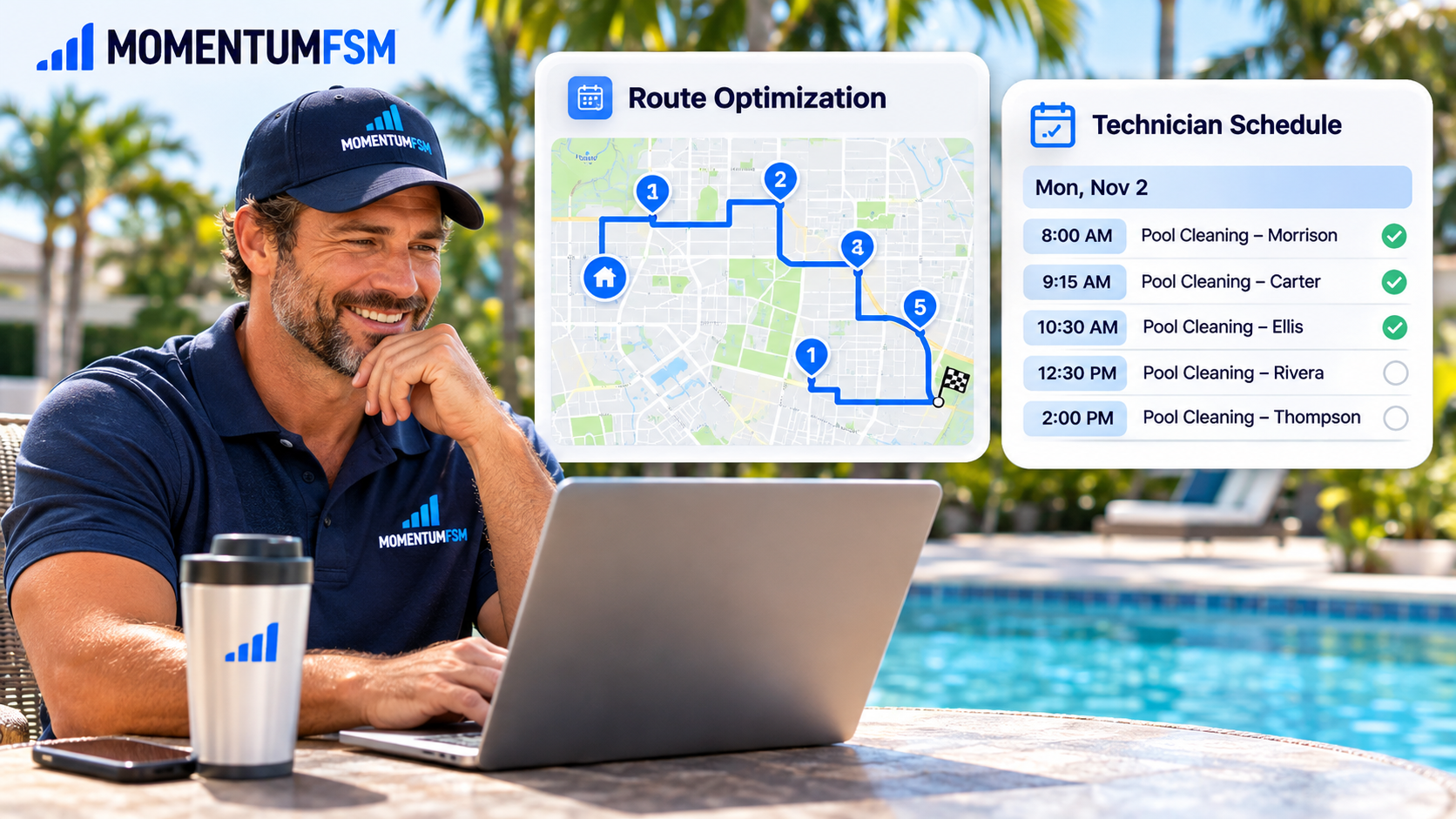
Field service route optimization software can help businesses organize stops into a more efficient sequence rather than planning each route manually.
Momentum FSM connects scheduled jobs, customer locations, and technician assignments to support daily route planning.
This can help reduce backtracking while keeping service appointments organized.
3. Schedule Realistic Appointment Durations
Reducing drive time isn't only about the route itself.
An unrealistic appointment schedule can create delays that affect the entire workday.
For example, scheduling every pool cleaning visit for 30 minutes may seem efficient, but some properties require additional maintenance.
Likewise, a residential cleaning appointment may take longer depending on the home's size and service requirements.
When creating daily schedules, account for:
Expected service duration
Travel time between appointments
Equipment setup and cleanup
Customer access requirements
Breaks and unavoidable delays
Additional work that may be required
Building realistic schedules helps technicians stay on track and reduces the pressure to rush between appointments.
It also makes it easier to identify whether an additional service call can reasonably fit into the day.
4. Assign Technicians Based on Location and Workload
When multiple technicians are available, assigning jobs solely based on who has an open time slot can create inefficient routes.
Instead, consider both technician availability and geographic location.
For example, if one technician is already servicing three customers in a particular neighborhood, assigning a nearby appointment to that technician may make more sense than sending someone from across town.
However, location shouldn't be the only consideration.
Technician experience, required equipment, job complexity, and existing workloads are also important.
The goal is to create balanced schedules that minimize unnecessary travel without overloading individual employees.
A centralized scheduling system can help managers compare assignments and make informed adjustments throughout the day.
5. Reduce Unnecessary Return Trips
Not every wasted trip happens between scheduled appointments.
Sometimes technicians must return to a property because they didn't have the information, supplies, or equipment needed to complete the original visit.
These repeat trips can disrupt schedules and increase operating costs.
Before technicians begin their routes, make sure they have access to:
Customer addresses and contact information
Gate codes and property access instructions
Service history and previous technician notes
Required equipment and materials
Special customer requests
Job-specific checklists
Keeping customer and job information accessible from a mobile device can reduce unnecessary calls to the office and help technicians arrive prepared.
With Momentum FSM's technician app, field employees can access assigned appointments, customer details, property information, and service checklists while working in the field.
6. Make Route Adjustments When Plans Change
Even a carefully planned schedule can change unexpectedly.
A technician may call in sick, a customer may cancel, or an urgent service request may need immediate attention.
Without a centralized scheduling system, these changes can create confusion and unnecessary driving.
For example, canceling an appointment in the middle of a technician's route may create an opportunity to move another nearby customer into that opening.
Similarly, an emergency call may be more efficiently handled by a technician already working in the surrounding area.
When adjusting routes, consider:
Which technician is closest to the new appointment?
Which existing appointments have flexible arrival windows?
Can another nearby job fill a cancellation?
Will the change create unnecessary backtracking?
Does the technician have the required skills and equipment?
The ability to review schedules and reorganize stops helps businesses respond to unexpected changes without disrupting the entire workday.
For additional tips, read our article on Handling Bad Weather Days Without Wrecking Your Schedule.
7. Track How Much Time Your Team Spends Driving
If you aren't measuring travel time, it can be difficult to know whether your routes are improving.
Start by reviewing how much time technicians typically spend driving each day.
Consider a service business with four technicians.
If improved routing saves each technician just 20 minutes per day, the combined savings would be:
80 minutes per day
6 hours and 40 minutes per five-day week
Approximately 28 hours and 53 minutes over 52 weeks per technician
Approximately 69 hours across the entire team over 52 five-day weeks
Correction for planning: The combined annual savings are approximately 347 hours across four technicians, assuming 52 full five-day workweeks.
These are illustrative savings, not guaranteed results. Actual improvements depend on your service area, customer density, appointment requirements, and current scheduling practices.
The key is to establish a baseline and track whether changes reduce travel time without compromising service quality.
How Field Service Routing Software Can Help
Manually planning routes may be manageable when your business has only a handful of appointments.
As your customer base expands, however, coordinating multiple technicians, recurring visits, customer locations, and schedule changes becomes increasingly complex.
Field service routing software helps connect these moving parts.
With Momentum FSM, service businesses can bring together:
Route Optimization
Organize technician stops into more efficient daily routes and reduce unnecessary backtracking.
Connected Scheduling
Keep customer appointments and technician assignments organized in one scheduling workspace.
Recurring Service Management
Maintain consistent schedules for weekly, biweekly, monthly, and other recurring services.
Technician Mobile Access
Give field employees access to their assigned appointments, customer information, and route details.
Flexible Dispatching
Adjust assignments and reorganize work as customer needs and technician availability change.
By connecting scheduling and routing, service businesses can spend less time coordinating daily travel and more time completing customer appointments.
Final Thoughts: Less Driving, More Productive Service Days
Reducing drive time between service appointments isn't about rushing technicians or squeezing as many jobs as possible into every available hour.
It's about creating smarter schedules that make better use of your team's time.
Grouping nearby appointments, optimizing stop order, balancing workloads, and keeping customer information accessible can all help reduce unnecessary travel.
As your business grows, these improvements become increasingly valuable.
A well-organized route can help lower operating costs, improve schedule reliability, and give technicians more time to focus on the work that matters.
Make Every Service Day More Efficient With Momentum FSM
Managing technician routes, recurring appointments, and last-minute schedule changes doesn't have to involve disconnected calendars and manual route planning.
Momentum FSM brings scheduling, routing, customer information, and technician management together in one connected platform.
Spend less time planning routes and more time growing your service business.
Start Your Free Trial