Get your service business back on track after Thanksgiving with three 10-minute blocks for missed visits, customer updates, and completed jobs. Includes a ready-to-send customer text.
The first Monday after Thanksgiving can start with three lists: visits that moved, customers waiting for an update, and completed jobs that still need an invoice or follow-up. Before you fill the week with new work, set aside 30 minutes to review what carried over and give each open item an owner and a next step.
Pull up last week’s schedule, your customer messages, and your completed jobs. If you have a dispatcher or office lead, run through the checklist together.
Minutes 0–10 | Review missed and moved visits
Start with the appointments that fell during your closure. Check the job status and technician notes before adding a makeup visit. A stop may already have been completed early or moved to another day.
Identify the visits that still need a new slot. Start with time-sensitive jobs and customers you already promised to follow up with.
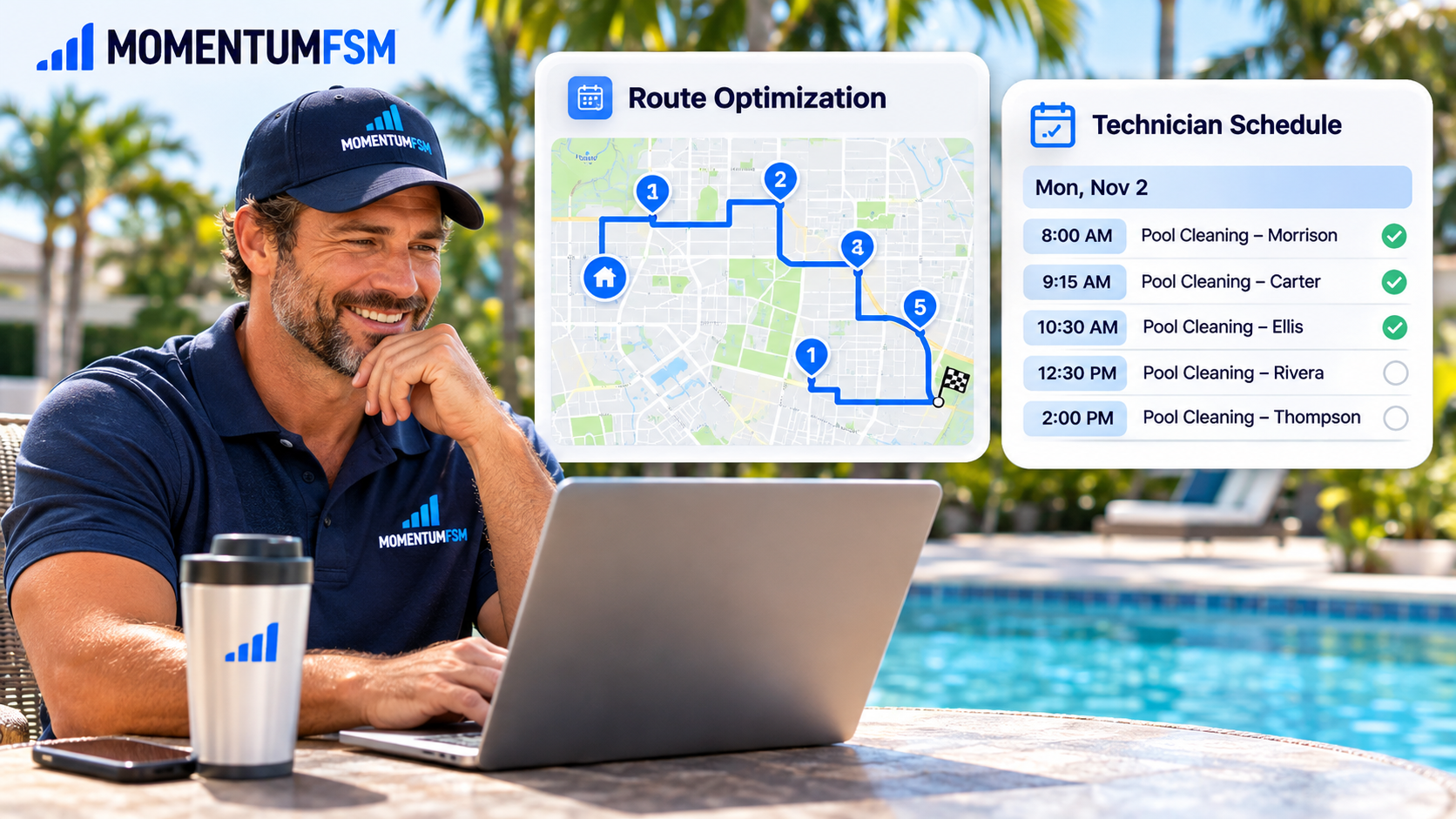
Place makeup visits near existing stops when the right technician has room on the route. Leave enough drive time to keep the rest of the day on track.
Give any visit you can’t place an owner and a deadline for the next customer update.
Minutes 10–20 | Close the loop with customers
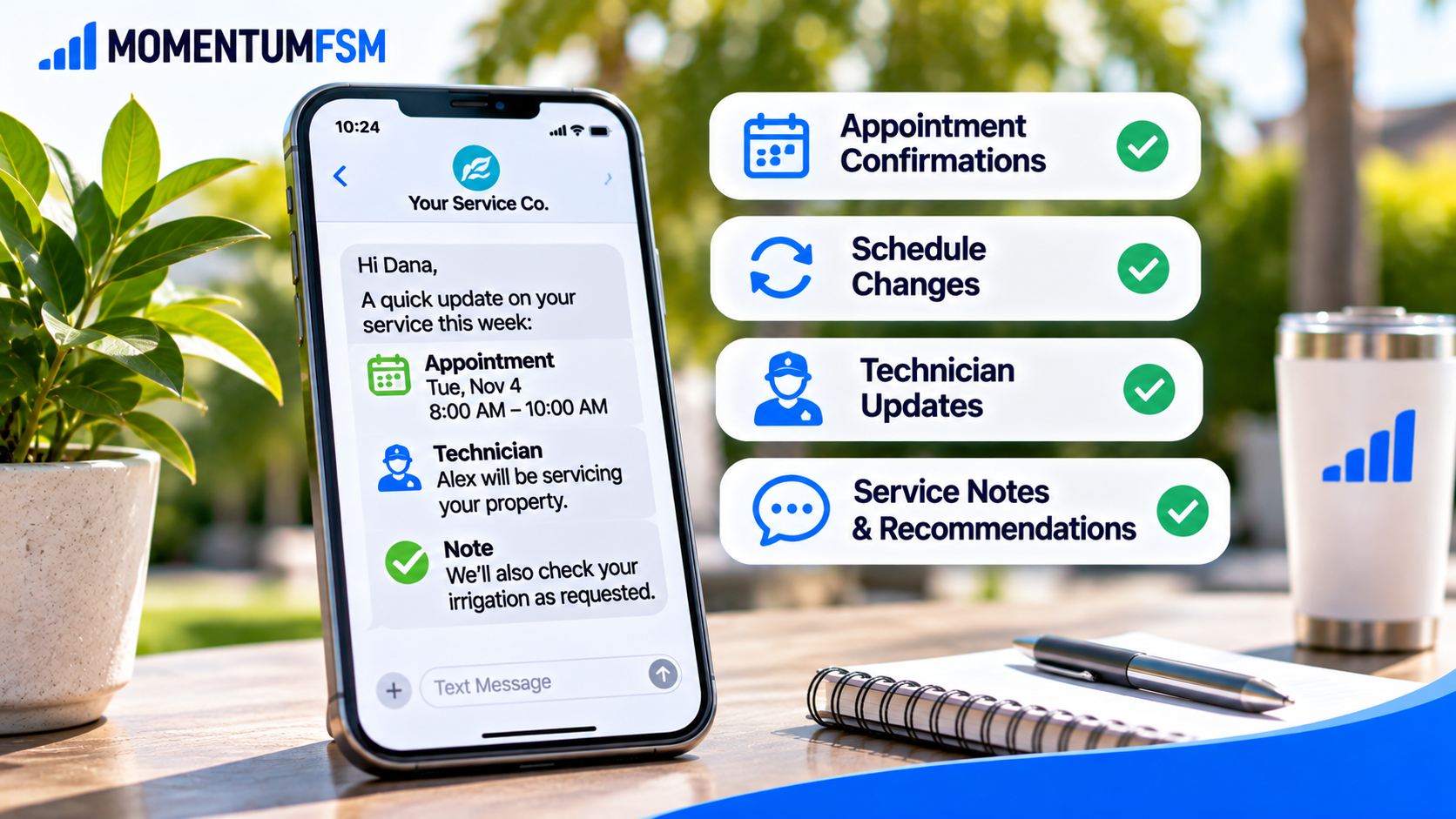
Work through the customers whose appointments changed and anyone who left a message over the break. Send the new date and arrival window once you have a slot you can keep. If you’re still working on a time, tell the customer when you’ll update them and record that deadline.
Copy-and-paste customer text
Hi [First name], it’s [Your name] from [Business name]. We’ve moved your [service] visit to [day, date] between [start time] and [end time]. If that window doesn’t work or we’ll need special access, please reply here so we can plan ahead. Thanks!
Minutes 20–30 | Review completed jobs
Open the jobs marked complete before the break. Look for technician notes that mention a promised callback, an estimate, a part to order, or a return visit. Assign each follow-up to someone and give it a due date. Send invoices that are ready, and flag any that still need a time entry, a material cost, or a review.
Save this 30-minute checklist
0–10 minutes: Reconcile missed visits, book makeup slots, and assign anything still open.
10–20 minutes: Text revised visit windows, reply to waiting customers, and log any promised updates.
20–30 minutes: Review completed jobs, assign follow-ups, and send ready invoices.
If the backlog takes longer than 30 minutes, use the checklist to decide what needs attention first. By the end of the review, every open item should have a next action, an owner, and a due time.
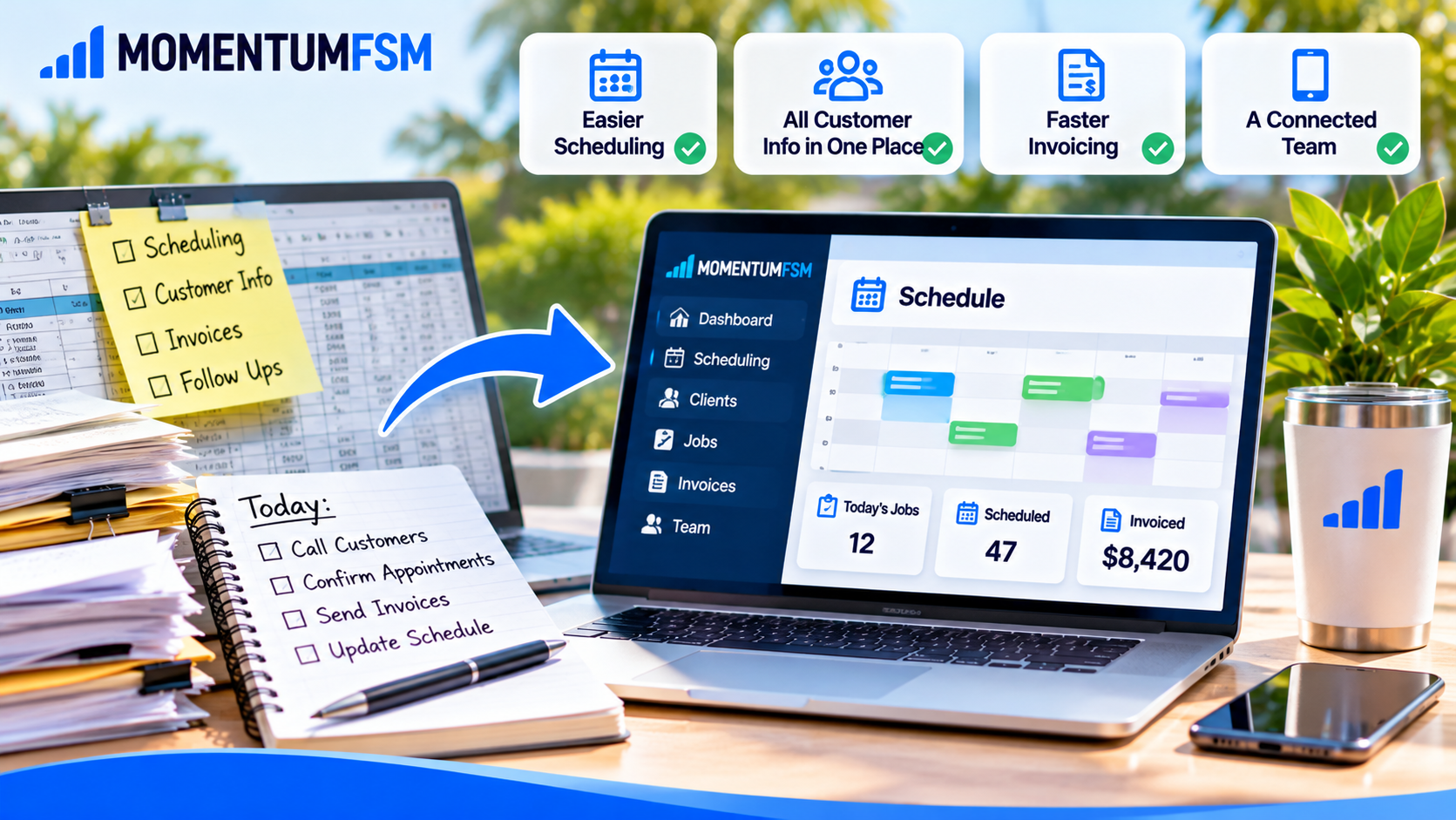
Momentum FSM brings scheduling, job notes, customer communication, and invoicing into one place so your team can see what’s still open when everyone returns.
Start Your Free Trial