What actually counts as proof a job was done — and how to capture it without slowing your techs down.
A technician finishes a job — mowed the lawn, fixed the AC, sprayed the perimeter for pests — and heads to the next stop. Two days later, the customer calls saying the work was never done, or wasn't done right, and now they don't want to pay the invoice.
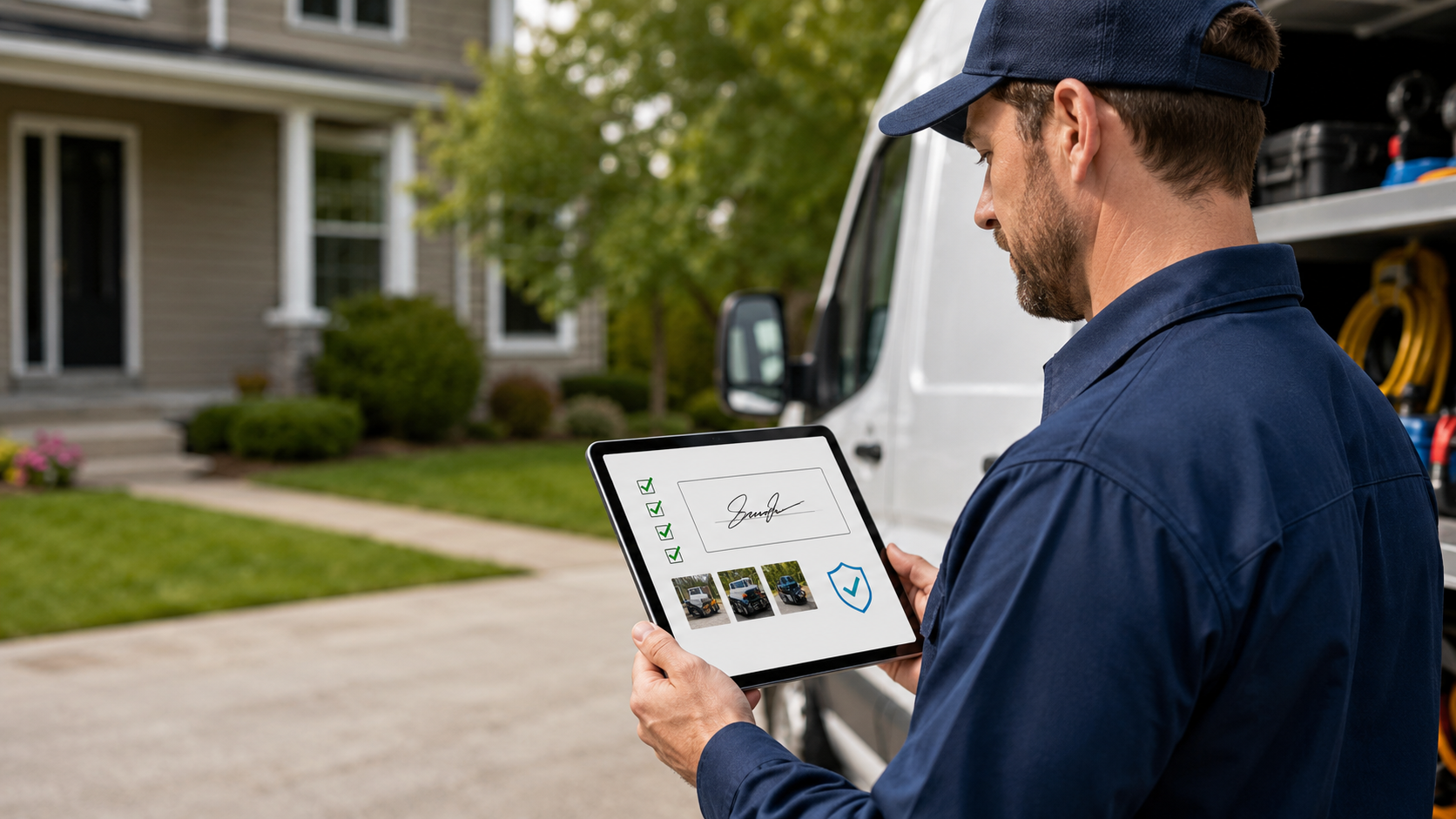
If all you have is a checked-off box in your scheduling software, that's a hard conversation. If you have a timestamped photo of the finished job and a signature from someone standing at that address, it's a five-minute call.
That's really what "proof of service" comes down to for a field service business: not a legal shield, just a record good enough that disputes stop being arguments and start being quick lookups.
Why paper and memory don't hold up
Most disputes aren't fraud — they're honest disagreements. The customer forgot the tech came Tuesday, or they remember "trimmed the hedges" differently than your crew does. A handwritten note on a work order, or a tech's memory of "yeah, I did that one," doesn't settle anything. It just becomes your word against theirs.
Paper has the same problem in a different shape: it gets left in the truck, filed under the wrong customer, or never makes it back to the office at all. And even when it does, "customer signed at the bottom" doesn't tell you when or where — which matters more than people think.
What actually counts as proof
Not every photo or signature is equally useful. A few things separate proof that holds up from proof that's just noise.
Photos that show something
A photo of a finished job is only useful if it's clearly tied to that job. That means:
The work itself is visible, not just a general shot of the property
It's timestamped automatically, not manually typed in
It's tied to the specific visit and address, not a loose file dumped in a shared folder
Before/after pairs are especially useful for anything visual — landscaping, cleaning, pest treatments — because they answer the dispute before it's even asked.
Signatures that mean something
A signature only proves something if it's attached to a specific job, at a specific time, from a specific device. "Sign here" on a clipboard with no other context is barely better than a verbal agreement. A signature captured on the tech's phone at the moment the job closes out, tied to that visit record, is a different thing entirely — it's evidence, not a formality.
Location and timestamps, quietly working in the background
This is the part customers never see but that saves the most arguments. If a visit record shows the tech's device was at the customer's address at 2:15 PM, and the photo and signature both carry that same timestamp, there's no room left for "nobody ever showed up." You're not asking the customer to trust you — you're showing them a fact.
Where this actually saves you time and money
The record-keeping isn't the point — what it does for the business is:
Faster payment. A closed-out visit with photos and a signature can go straight to an invoice the same day, instead of waiting on paperwork or a tech's memory at end of day.
Shorter disputes. Instead of a back-and-forth call, your office can pull up the visit and settle it in the time it takes to open a browser tab.
Better field accountability. Techs who know a job isn't "done" until it's documented tend to actually finish the job the way it's supposed to be done.
More trust with customers. Sending a customer a short summary with a photo of the completed work, unprompted, reads as competence — not covering yourself.
Building it into the workflow, not bolting it on
The businesses that get this right don't treat it as a separate compliance step — they build it into how a visit gets closed out:
A technician can't mark a visit complete without the required photo and/or signature captured on-site.
That data attaches automatically to the visit record — no separate app, no re-typing information back at the office.
Office staff can see it the moment the job closes, not at the end of the week.
Records don't get edited after the fact without a trail showing what changed and who changed it.
That last point matters more than people expect. If a photo or signature can be swapped out later with no record of it, it's not really proof of anything.
How this shows up in Momentum FSM
This is exactly the kind of thing we built the visit workflow around. Every visit in Momentum FSM carries its own service checklist and before/after media, so techs are capturing photos as a normal part of closing out a job — not as an extra task someone has to remember. Status events log when a visit actually moves from scheduled to in-progress to complete, and that history stays attached to the visit permanently.
The result for your office: when a customer calls with a question, someone can open that visit and see the photos, the status timeline, and the signature in one place — instead of digging through a truck, an inbox, or a filing cabinet.
If you're still relying on paper work orders or a tech's memory to prove a job got done, it's worth looking at what a documented workflow would save you — in both disputed invoices and hours spent chasing them down.