The nine features that separate a real contractor CRM from a generic one, and what it looks like when they're actually built into one system instead of stitched together.
Contractors have a specific set of problems most generic CRMs weren't built for: jobs spread across different addresses, crews that need dispatching, payment collected on-site, and a phone that's the only computer anyone's touching while covered in grease or paint.
Here's what to actually look for.
1. Job and work order management
This is the foundation everything else sits on. You need to create a job, attach it to a customer, and track its status as it moves along, without a phone call to check where things stand. At minimum, a job record should hold the job type, who's assigned, the scheduled time, the site address, any parts or materials needed, and photos or notes from the field.
2. Scheduling and dispatch built for the field
Office calendar tools weren't built for this. You want a visual schedule showing every crew and job at once, where reassigning or rescheduling is a drag and drop instead of a series of phone calls. Being able to see jobs on a map, not just a list, matters too, it's the difference between a tight route and a technician crossing town twice in a day.
3. Fast estimates
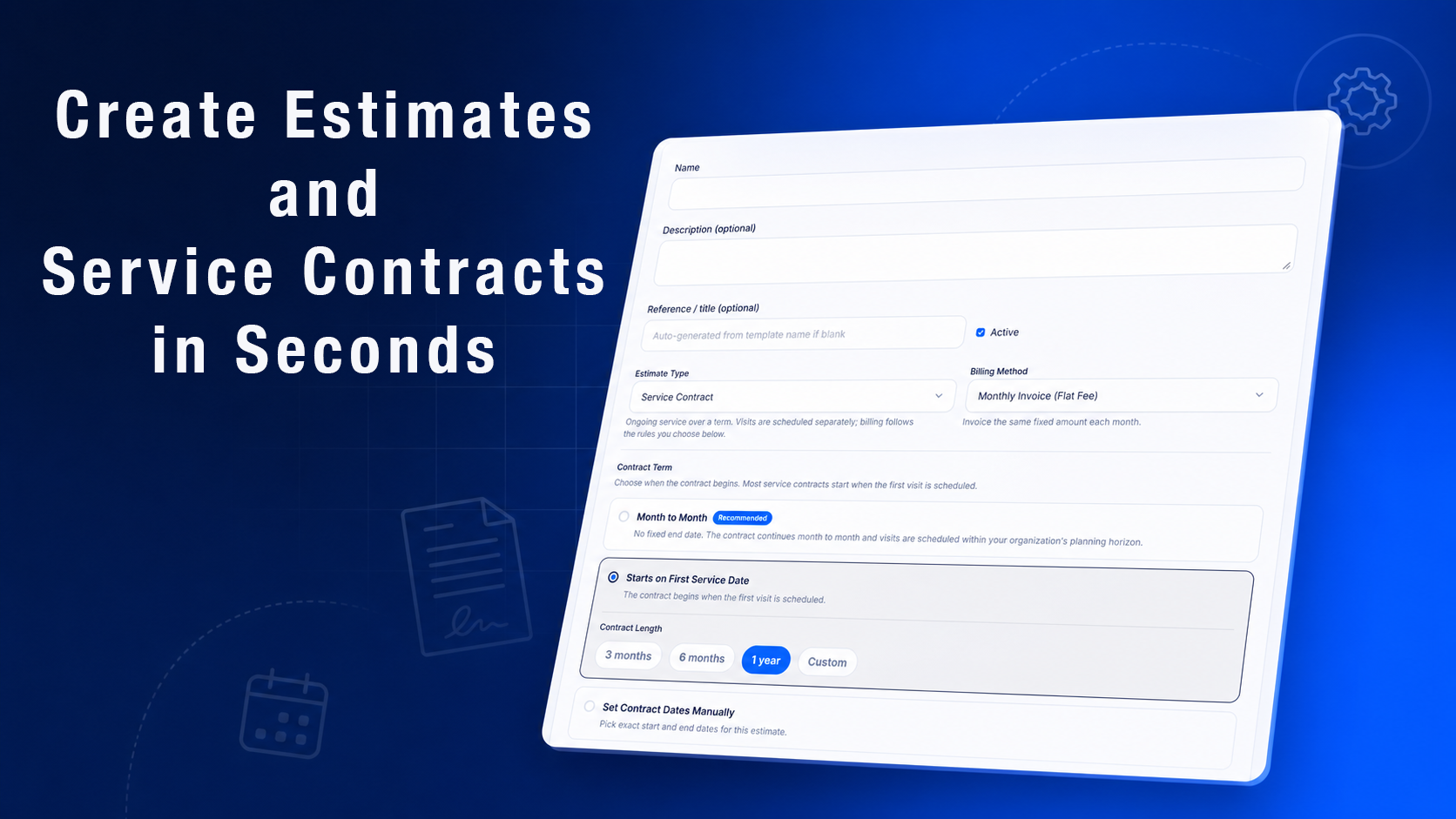
Speed wins jobs more often than price does. If a competitor quotes within the hour and you quote three days later, the job's probably already gone. Being able to build a quote from a saved price list, on-site, and send it before you've left the driveway, is one of the highest leverage features on this list. Once it's approved, it should convert straight into a scheduled job without anyone retyping it.
4. Invoicing and payment on the spot
Winning the job is half the work, getting paid is the other half. A completed job should be able to turn into an invoice immediately, and taking payment on-site, card or otherwise, means you're not chasing a check three weeks later.
5. A mobile app that's actually usable in the field
If it only works well from a desktop, it's not built for contractors. Technicians need their schedule, customer history, and site notes on their phone, plus the ability to add photos, collect a signature, and mark a job complete without a second app or a form that heads back to the office.
6. Customer communication that doesn't add to your workload
Customers want to know what's happening without calling to ask. Automatic appointment confirmations, a heads-up when a tech is on the way, and a way for the office and customer to message directly all cut down on the phone tag that eats into an afternoon.
7. A real pipeline for leads and quotes
Every inquiry is a potential job, and during busy season they come in faster than anyone can track by memory. A pipeline view, from first contact through signed estimate, makes it obvious which leads are going cold before they've actually walked away.
8. Reporting you'll actually look at
Revenue by service type or technician, job completion times, estimate conversion rates, and outstanding invoices. None of this needs to be complicated, it just needs to be visible without building a spreadsheet from scratch every month.
How this comes together in Momentum FSM
These aren't separate tools bolted together, they're one system in Momentum FSM. Jobs, estimates, invoices, and customer records all live under the same customer, so a quote approved in the field becomes a scheduled visit and later an invoice without anyone re-entering it. Technicians work from the mobile app with their schedule and job details in hand, and payments run through Stripe so a completed job can be paid on-site.
If you're currently piecing this together from a scheduling app, a separate invoicing tool, and a personal phone for customer texts, the win isn't any one feature, it's not having to check four places to know where a job actually stands.