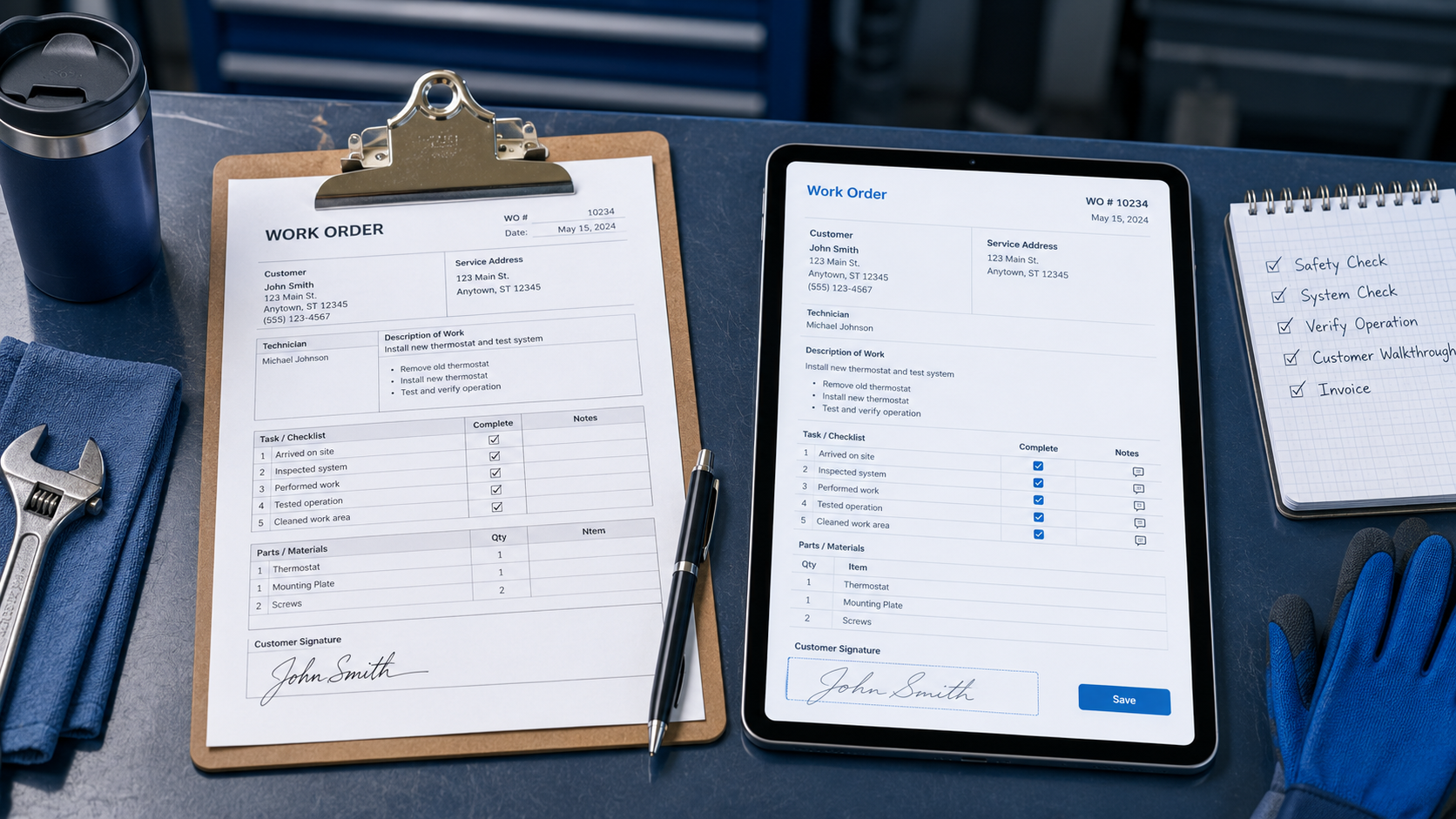
Paper doesn't make a business disorganized — it just makes disorganization slower to notice. Here's what actually changes when work orders go digital, and what doesn't.
Walk into a lot of service businesses and you'll still find it: a whiteboard with the day's jobs scrawled on it, a stack of printed work orders on the dispatcher's desk, and a tech somewhere trying to remember what the customer said about their gate code.
Paper isn't stupid — it's just slow. And slow gets expensive once you're running more than a couple trucks a day.
What doesn't actually change
It's worth saying upfront: switching to digital work orders doesn't fix a broken process, it just moves it faster. If jobs get double-booked or nobody knows who's supposed to be where, a nicer-looking screen won't solve that on its own.
A few things stay exactly the same either way:
The work itself. No app fixes a leaking pipe or diagnoses a bad compressor. That's still your technician's job.
The core steps. A job still needs to be scheduled, assigned, done, and closed out — digital just changes how fast and how visibly that happens.
Technician expertise. A tablet doesn't replace a tech who can diagnose a problem by ear. It just gets them the job details, history, and photos faster so they can spend their time on the actual work.
What changes — and why it matters
Everyone knows what's happening, in real time
With paper, a manager finds out a job is done when the tech gets back to the shop and drops off the form — sometimes hours later, sometimes the next morning. With a digital work order, the status updates the moment the tech marks it, so the office knows a job is in progress, running late, or complete without calling to ask.
Fewer mistakes from handwriting and missing fields
Paper forms get filled out inconsistently — a field skipped here, illegible handwriting there, a form that never makes it back at all. A digital work order can require a field before the tech can close the job, so a completed visit means the notes, photos, and time are actually there when someone needs them later.
Recurring work doesn't rely on someone remembering
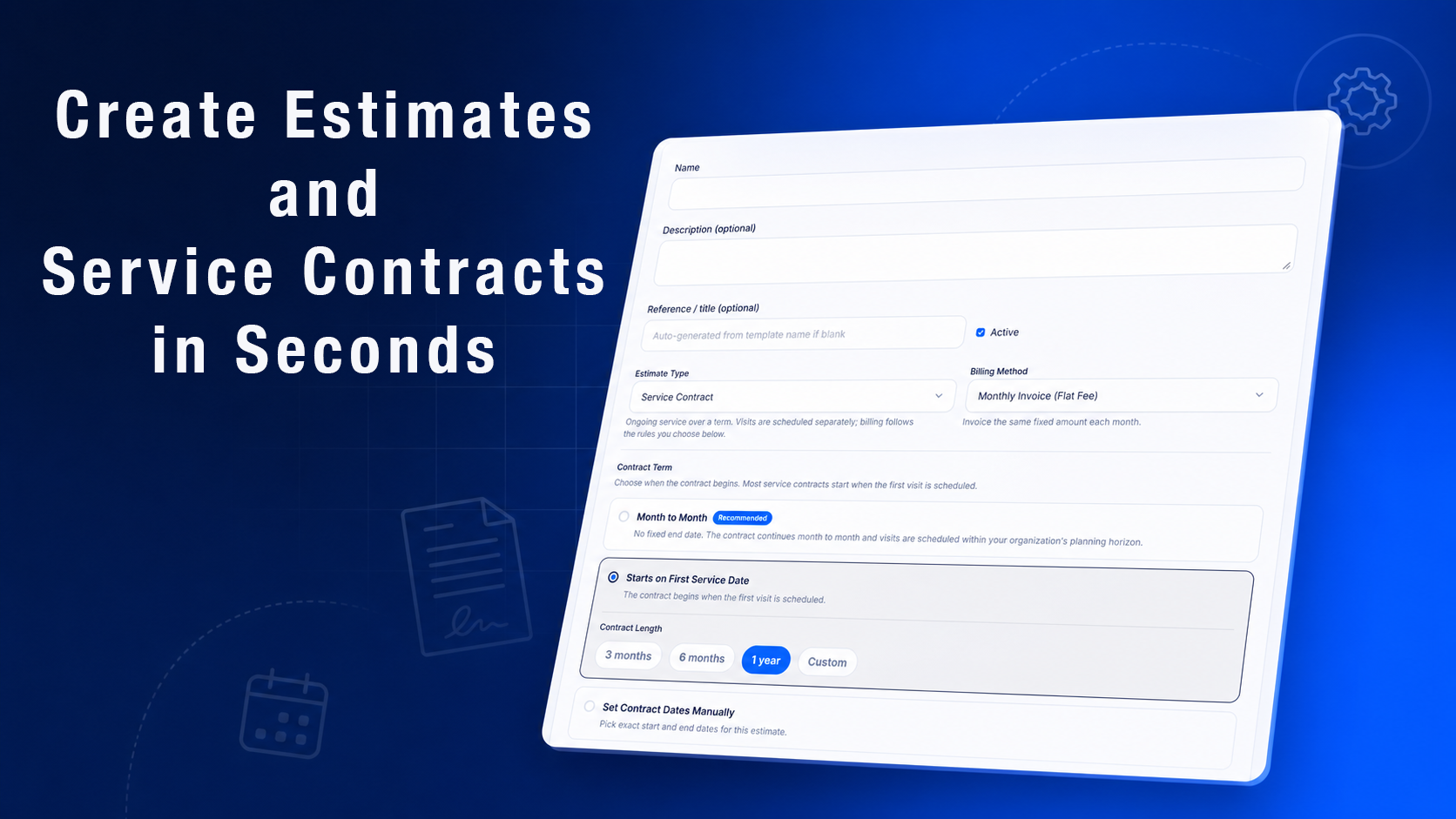
Paper calendars and spreadsheets fall apart once you're tracking recurring maintenance across dozens of customers. A digital system can generate and schedule the next visit automatically based on the last one, so a quarterly contract doesn't quietly become an annual one because nobody circled a date.
You can actually see your own numbers
A filing cabinet full of completed work orders isn't data — it's paper that happens to have numbers on it. Digital records let you actually look back and see patterns: which jobs run long, which technicians are fastest, which customers call back with the same issue. That's hard to do with a folder.
The part that actually trips people up: adoption
The software isn't usually what kills a transition — the rollout is. A few honest reasons techs push back:
They've used paper for years and don't trust a new system to work when it matters
GPS timestamps and location tracking can feel like being watched, not helped
A past bad experience with clunky software makes them assume this one will be the same
None of these are unreasonable. The fix isn't a memo — it's picking software simple enough that using it is actually faster than not using it, and being upfront that visit tracking exists to protect the business (and the tech) in disputes, not to micromanage.
A smoother rollout usually looks like:
Start with one or two techs, not the whole team at once
Pick software where closing out a job takes a few taps, not ten
Clean up your customer and job data before importing it — bad data in a new system is still bad data
Actually train people instead of just handing out a login
Point out the wins when they happen — a caught renewal, a fast dispute resolution — so the team sees the payoff
How this plays out in Momentum FSM
A visit in Momentum FSM works the way the digital version of a work order should: a technician sees the job, the customer's history, and a checklist on their phone, and closing it out — photos, notes, time — updates the office immediately, not at the end of the day. Recurring contracts generate their next visit automatically instead of depending on someone remembering to schedule it.
None of that replaces a good technician's judgment. It just means the paperwork stops being the slow part of the job.