Article
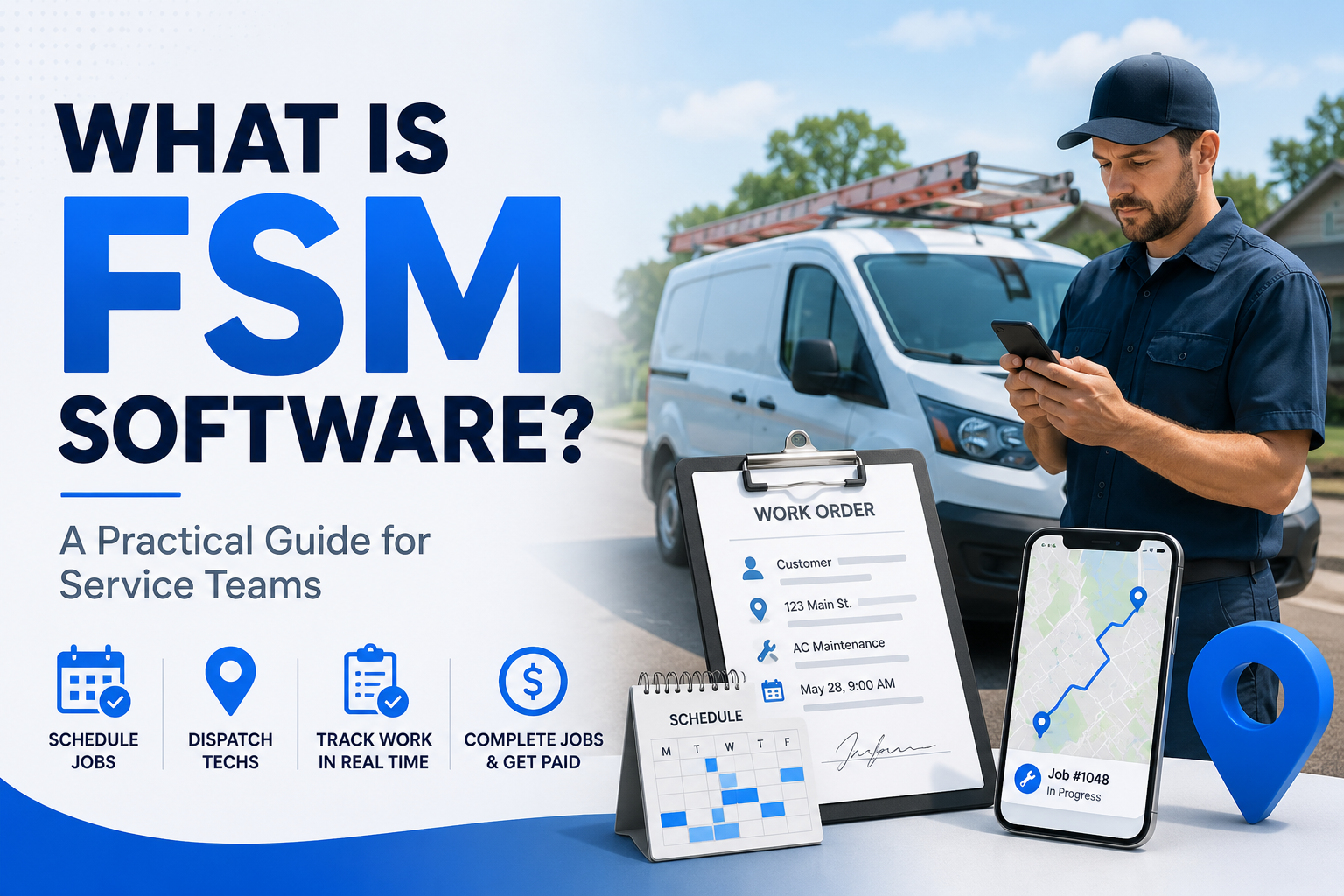
What Is FSM Software? A Practical Guide for Service Teams
Field service management software, explained plainly: what it actually does, what to look for, and what changes for a small team once you switch to it.
If you run a team of technicians, you already know the daily juggling act. Someone's running late, a customer wants to move their appointment, a tech shows up without the part they need. Field service management (FSM) software exists to take that chaos and put it somewhere everyone can actually see it.
Here's what it actually does, what to look for, and what to expect when you switch to it.
What FSM software actually is
FSM software coordinates work that happens away from your office, out at customer properties. It's easy to confuse with general scheduling tools or HR software, but it's built for a different problem: not just "who's working when," but "who's going where, with what information, to do what job."
At a basic level, it connects three groups who otherwise end up playing phone tag all day: your office staff, your technicians in the field, and your customers.
What it actually covers
Scheduling and dispatch. Instead of a whiteboard or a shared spreadsheet, dispatchers get a real view of who's available, where they are, and what they're qualified for, and can assign jobs without calling around to check.
A mobile app for technicians. Techs see their job details, the customer's history, and any notes from previous visits, right on their phone. They can capture photos, get a signature, and mark the job complete without a separate app or a form that heads back to a filing cabinet.
A customer-facing portal. Customers can request service, see upcoming appointments, approve an estimate, or pay an invoice without picking up the phone. That alone tends to cut down a meaningful chunk of the "just checking in" calls your office gets.
Estimates, invoices, and contracts. Quoting a job, converting an approved estimate into a scheduled visit, and billing for it should all live in one system, not three.
Reporting. Once your jobs and invoices live in one place, you can actually see which jobs run long, which technicians are busiest, and where you're leaving money on the table, instead of guessing.
What it changes day to day
Fewer wasted trips. When a technician has the right job history and the right skill match before they leave, you cut down on the "wrong person for the job" callback.
Less time on the phone. A lot of office time goes to answering questions that a portal or an automatic text update could handle instead.
Faster invoicing. A job that closes out digitally, with the details already attached, can be invoiced the same day instead of waiting on paperwork to come back to the office.
A more professional customer experience. Small teams can look and feel just as buttoned up as a much bigger competitor when appointments, updates, and invoices are all automatic instead of ad hoc.
Handling contractors and subcontractors
If you bring on subcontractors during busy season, good FSM software should let you give them limited access, enough to see their assigned jobs and log their work, without handing over your full customer list or business data. That's a real role in a well built system, not a workaround.
Choosing software that fits a small team
You don't need enterprise features to get most of the value here. A few things matter more than a long feature list:
Would your least tech-comfortable technician actually use it? If closing out a job takes ten taps, people find workarounds.
Does it match how your business actually works? Roles, permissions, and workflows should fit a small team, not force you into a structure built for a 500-person company.
Can you get your data in cleanly? Look at how easy it is to import existing customers, jobs, and history rather than starting from zero.
Making the switch without losing a week to it
Full enterprise rollout plans are overkill for most small teams. What actually matters:
Clean up your customer and job data before importing it
Train technicians and office staff separately, since they're using very different parts of the system
Start with a small group if you can, and fix rough edges before rolling it out to everyone
Check back in after a few weeks to see what's actually being used and what isn't
How this shows up in Momentum FSM
Momentum FSM covers the day to day: scheduling and dispatch on the web app, a mobile experience for technicians, and a customer portal for estimates, invoices, and payments. Roles are built around how a real service business is structured, owner, admin, manager, employee, and subcontractor, each with access that matches what they actually need to do.
If you're still running your business out of a spreadsheet and a group text, the biggest win usually isn't a single feature, it's just having one place where a job's status, history, and paperwork all live together.